Use Search in the web app to find photos the way you remember them. Try a description such as “a dog running on a beach” or “a birthday cake.” Search combines visual similarity with text and metadata, so you can also look for people, album names, camera details, and places. Results are ranked matches, not a guarantee that every photo fits your words.

Narrow your results

Combine a search with structured filters, or browse using filters alone:
  • Favorites: focus on photos marked as favorites (rating 5).
  • People: choose the people who must appear. Selecting multiple people finds photos containing all of them.
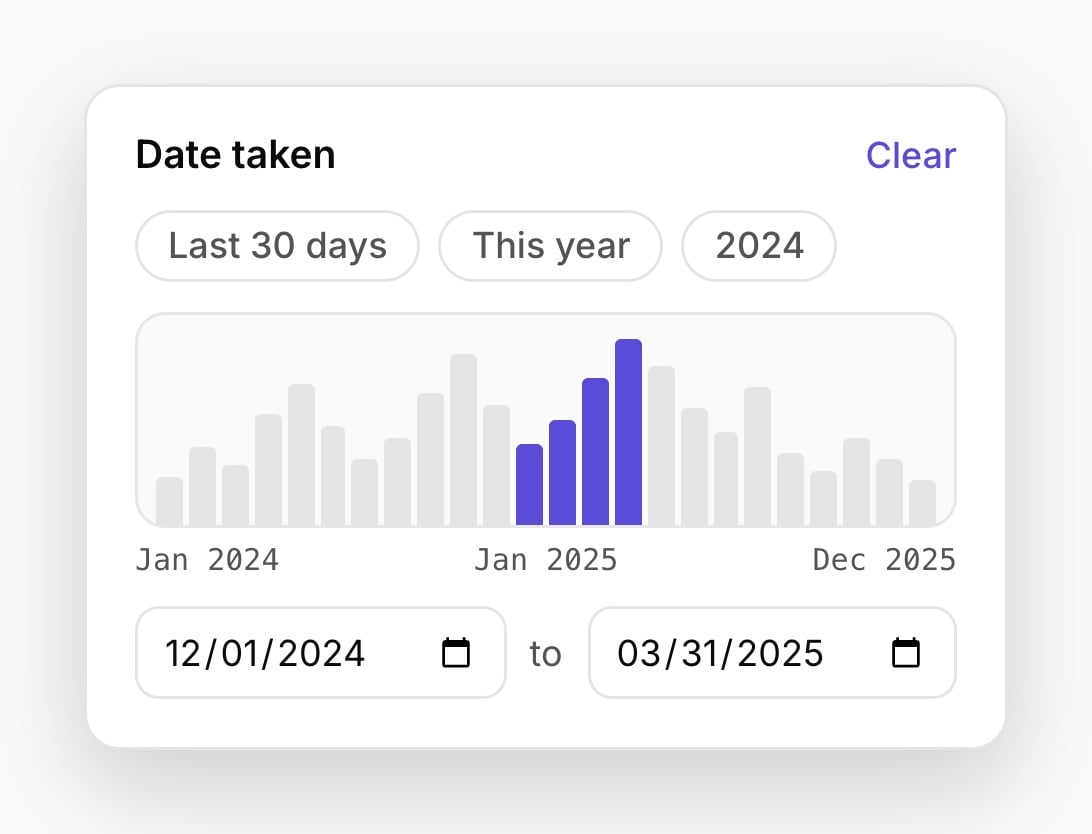
  • Date: choose a capture-date range.
  • Album: limit the view to a collection.
  • Type: choose images or videos.
For example, find photos of two family members from a particular year, then narrow them to a holiday album. Filters also work while browsing Photos, albums, and the map. You can bookmark a filtered view to return to it later.
Illustrative Date taken panel with a histogram and start and end date inputs

Date filter example: choose a range of capture dates.

Favorites and ratings

Mark a photo as a favorite in the viewer to make it easier to find again. Gumnut also preserves supported favorite or one-to-five rating metadata on import. In a shared library, ratings are part of the shared photo metadata.

Search intelligence

Automatic image analysis helps you find subjects and scenes even when you have never tagged them. Gumnut also generates a natural-language description of each image, which you can review in its information panel. You can add or update your own caption separately. Generated descriptions help AI assistants understand the collection without opening every file. Recognition and descriptions can be wrong, and new uploads may still be processing. Automatic visual analysis is image-only today; you can still browse videos using their available metadata and structured filters. For programmatic filtering, see Pagination and Filtering and the Search endpoints in the API reference tab.