

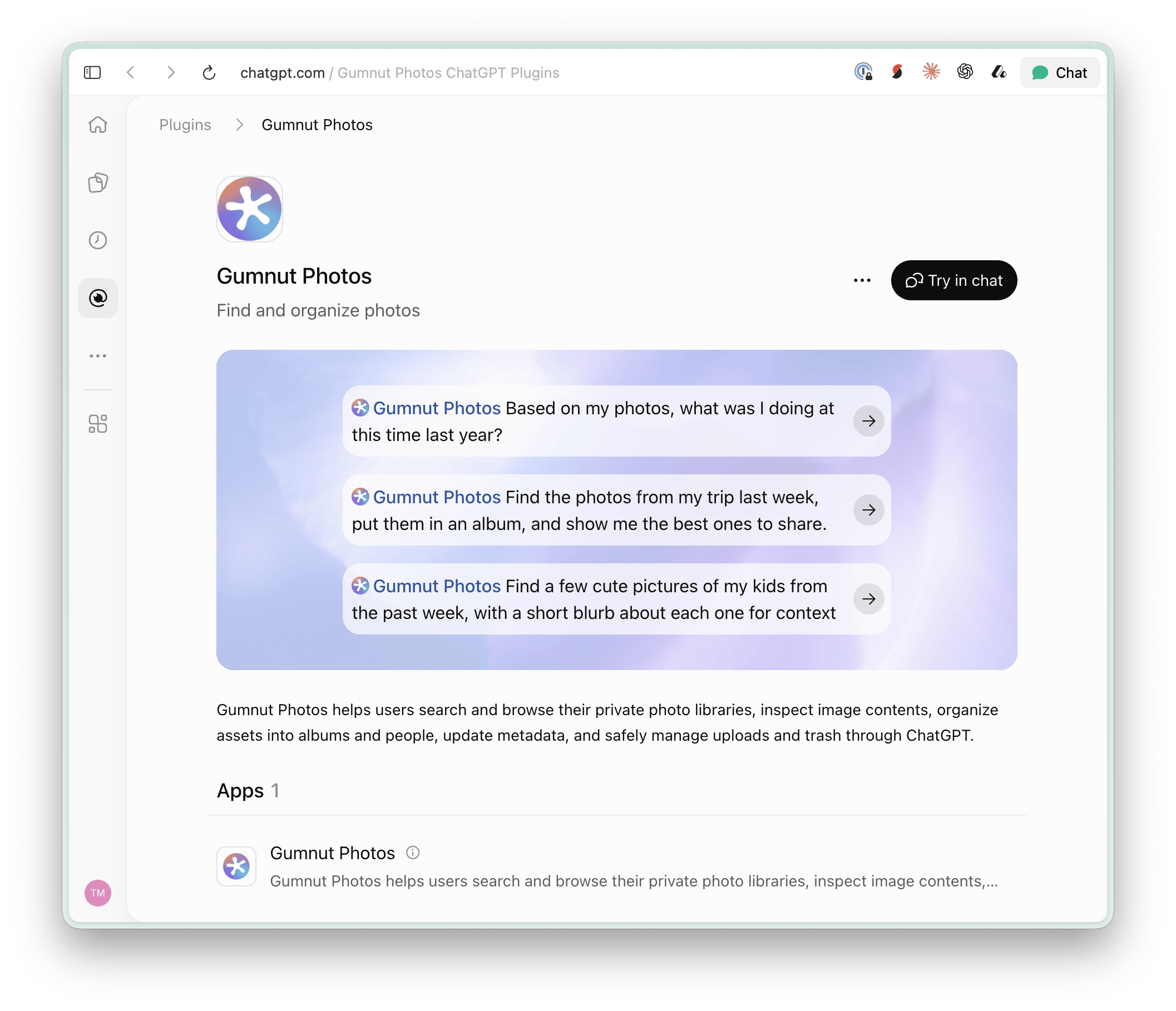
The Gumnut Photos plugin in ChatGPT, with example photo prompts.
What you can ask for
- “Find photos of our family at the beach last summer.”
- “Make an album of the best shots from this trip.”
- “Show me the places where I took photos in July.”
- “Help me review these face assignments.”
- “Every evening, look at photos from the past few days and pick a few cute pictures of my kids for me to share with my parents.”
- “Periodically review my recent photos for face tags that look wrong. Fix clear mistakes and ask me when you’re unsure.”
Creative workflows
If your assistant has image-editing or generation tools, you can ask it to transform a photo and save the result back to your library. Gumnut provides the photo access and storage; the assistant’s tools perform the transformation. MCP’ssave_asset stores the result as a new asset, rather than adding to an
existing photo’s version chain.
Available image tools, visual displays, and background scheduling depend on
your assistant. Connecting Gumnut alone does not create an automatic recurring
workflow. Review the assistant’s proposed changes when they affect your library.