> ## Documentation Index
> Fetch the complete documentation index at: https://docs.gumnut.ai/llms.txt
> Use this file to discover all available pages before exploring further.
# Stacks and bursts
> Group related shots automatically or manually while keeping every photo
A stack groups related assets under one cover in your timeline. Open it to
browse the individual shots and pick your favorite. Stacking keeps the photos;
it does not delete them or reduce their storage use.
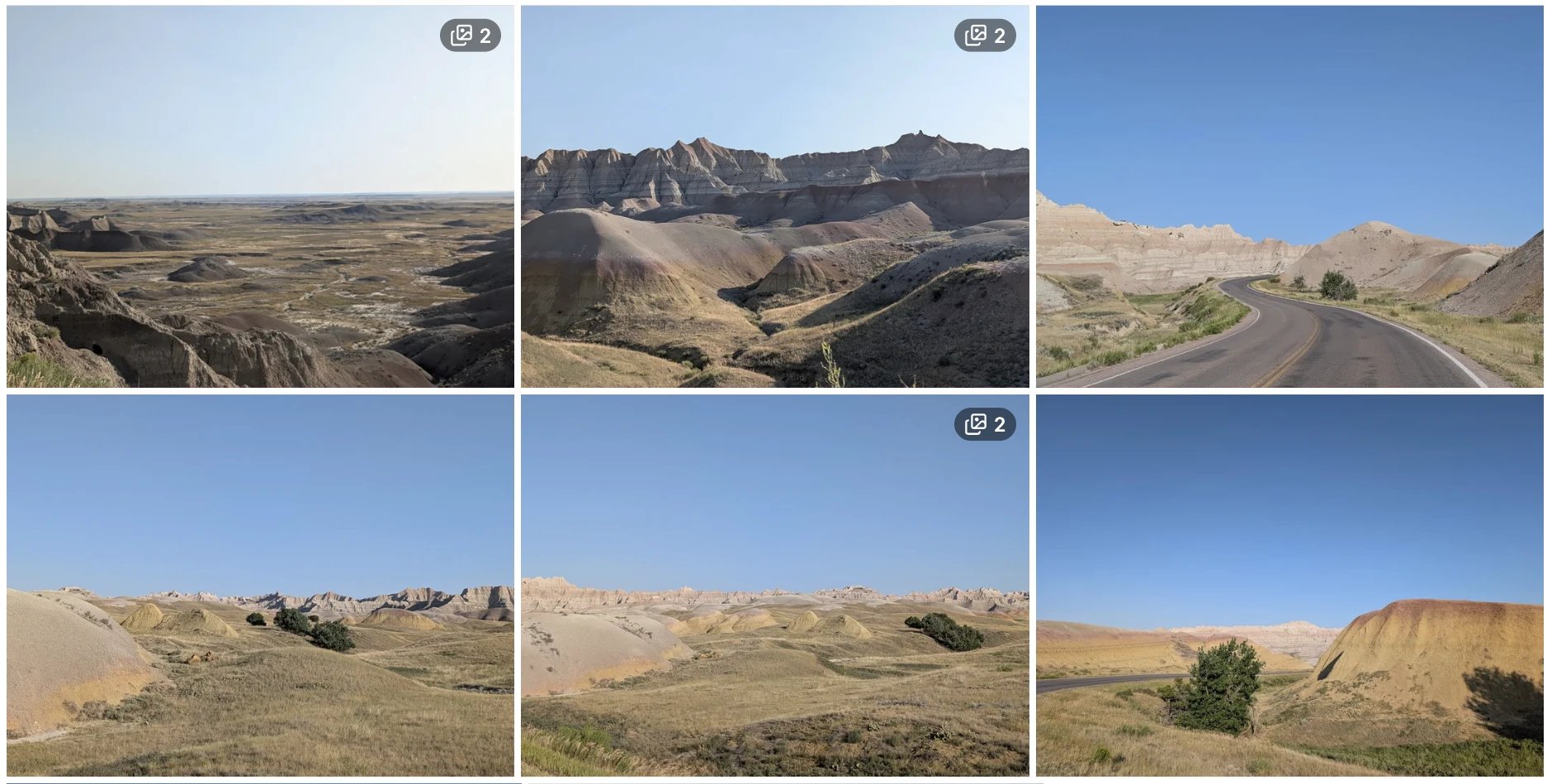 ## Automatic bursts
Gumnut automatically groups eligible photos taken close together by the same
camera. This helps keep a burst of similar shots from crowding your timeline.
Detection uses capture time and camera information, so photos without enough
metadata may not be stacked automatically. Burst detection runs in the
background after upload.
## Make your own stack
You need the Owner or Collaborator role. In the [web app](https://app.gumnut.ai),
select at least two photos and choose **Stack**. Manual stacks do not need
to meet the automatic burst's time or camera criteria.
If you select a stack's cover that you explicitly set with **Set as stack
cover**, all its members join the new group. Selecting another member moves
only that photo. This lets you combine stacks or regroup individual shots.
## Adjust a stack
Open a stack and use the selected frame's stack menu to:
* **Set as stack cover**: choose the shot shown for the group.
* **Remove from stack**: take that photo out while keeping it in the library.
* **Unstack**: dissolve the group and keep all its photos.
Stacks differ from [albums](/guides/product/albums), which organize broader
collections, and from [duplicate detection](/guides/product/duplicate-detection),
which prevents an identical file from being stored twice. You can also manage
stacks through the Stack endpoints in the **API reference** tab.
This documentation is built and hosted on [Mintlify](https://mintlify.com), a developer documentation platform.
## Automatic bursts
Gumnut automatically groups eligible photos taken close together by the same
camera. This helps keep a burst of similar shots from crowding your timeline.
Detection uses capture time and camera information, so photos without enough
metadata may not be stacked automatically. Burst detection runs in the
background after upload.
## Make your own stack
You need the Owner or Collaborator role. In the [web app](https://app.gumnut.ai),
select at least two photos and choose **Stack**. Manual stacks do not need
to meet the automatic burst's time or camera criteria.
If you select a stack's cover that you explicitly set with **Set as stack
cover**, all its members join the new group. Selecting another member moves
only that photo. This lets you combine stacks or regroup individual shots.
## Adjust a stack
Open a stack and use the selected frame's stack menu to:
* **Set as stack cover**: choose the shot shown for the group.
* **Remove from stack**: take that photo out while keeping it in the library.
* **Unstack**: dissolve the group and keep all its photos.
Stacks differ from [albums](/guides/product/albums), which organize broader
collections, and from [duplicate detection](/guides/product/duplicate-detection),
which prevents an identical file from being stored twice. You can also manage
stacks through the Stack endpoints in the **API reference** tab.
This documentation is built and hosted on [Mintlify](https://mintlify.com), a developer documentation platform.