> ## Documentation Index
> Fetch the complete documentation index at: https://docs.gumnut.ai/llms.txt
> Use this file to discover all available pages before exploring further.
# Faces and people
> Find people across your library and correct or add face assignments
Gumnut detects faces in uploaded images and groups them into people within
each library. A **face** is one detection in one photo; a **person** brings
together that individual's faces across many photos.
## Find and name people
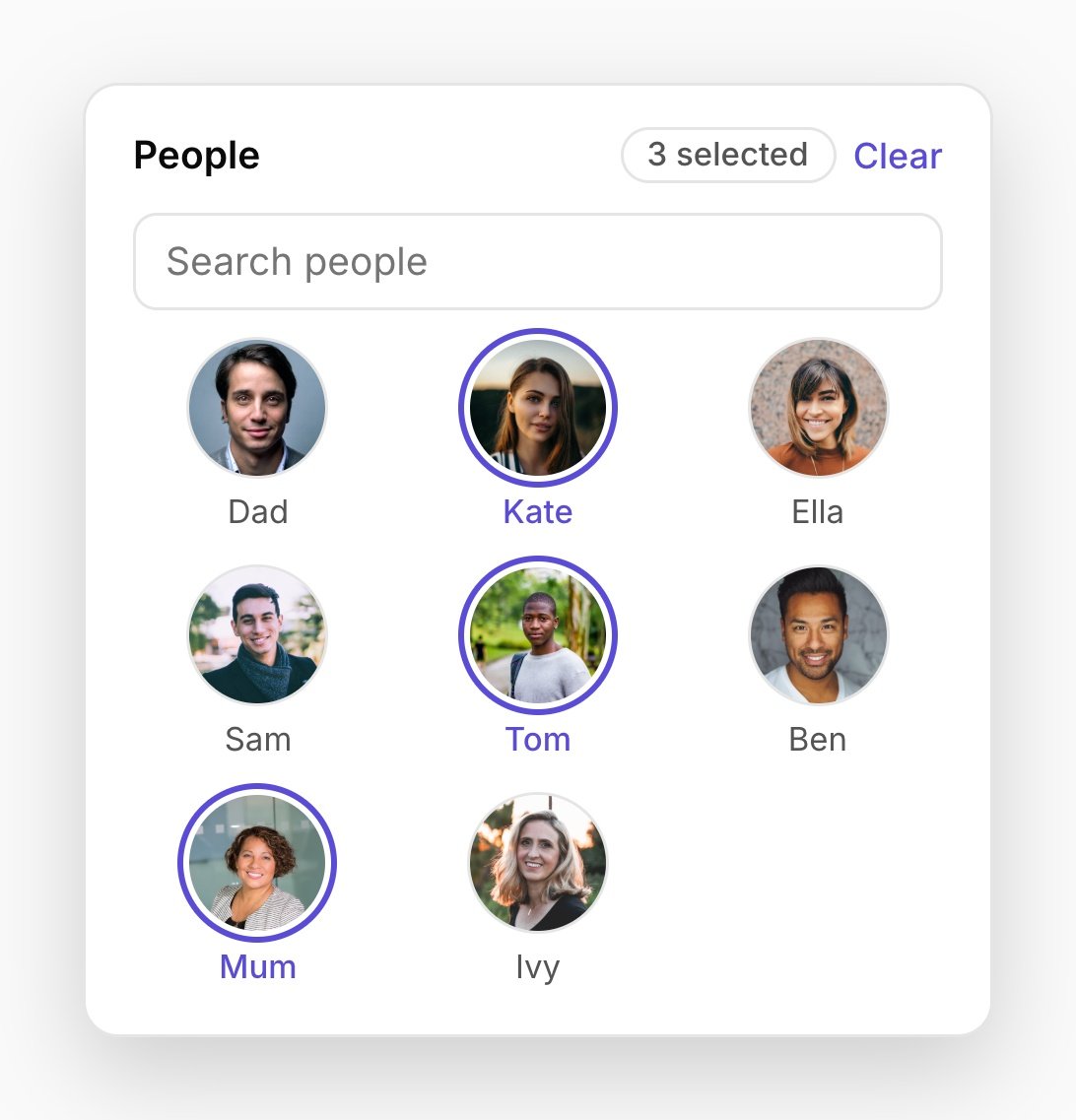
Open **People** in the [web app](https://app.gumnut.ai) to browse the groups
Gumnut has found. Give people names so you can recognize them in the app and
use them in [search and filters](/guides/product/search-and-filtering).
In a shared library, those names and assignments are shared with its members.
You need the Owner or Collaborator role to change them.
 New faces may be assigned to an existing person or remain unassigned until
there is enough evidence to group them. Background faces, small faces, and
unclear matches may be left out. Similar-looking relatives, unusual angles,
and obscured faces can still produce mistakes.
## Correct the results
Open a photo's information panel and use the **People** section to edit its
faces. You can name or reassign a face, remove an incorrect face box, or draw
a box for someone automatic detection missed. You can also merge person
groups that represent the same individual.
Removing a face box does not delete the photo. A manually added face left
unassigned will not be grouped automatically later; assign it yourself when
you know who it is.
Face boxes are attached to the original image. While an
[edited version](/guides/product/editing) is current, boxes and face editing
are hidden, but the existing person associations remain. Restoring the
original makes the face boxes available again.
For API and assistant correction workflows, see
[People and Faces](/guides/apis/faces-and-people). Automatic face detection
and clustering apply to images, not videos.
This documentation is built and hosted on [Mintlify](https://mintlify.com), a developer documentation platform.
New faces may be assigned to an existing person or remain unassigned until
there is enough evidence to group them. Background faces, small faces, and
unclear matches may be left out. Similar-looking relatives, unusual angles,
and obscured faces can still produce mistakes.
## Correct the results
Open a photo's information panel and use the **People** section to edit its
faces. You can name or reassign a face, remove an incorrect face box, or draw
a box for someone automatic detection missed. You can also merge person
groups that represent the same individual.
Removing a face box does not delete the photo. A manually added face left
unassigned will not be grouped automatically later; assign it yourself when
you know who it is.
Face boxes are attached to the original image. While an
[edited version](/guides/product/editing) is current, boxes and face editing
are hidden, but the existing person associations remain. Restoring the
original makes the face boxes available again.
For API and assistant correction workflows, see
[People and Faces](/guides/apis/faces-and-people). Automatic face detection
and clustering apply to images, not videos.
This documentation is built and hosted on [Mintlify](https://mintlify.com), a developer documentation platform.